
 WhatsApp
Keep the computer online
The computer needs to start and have a working internet connection for remote access.
We connect to your computer to investigate software and system problems. A Remote Connection session costs £90 + VAT (£108 including VAT).
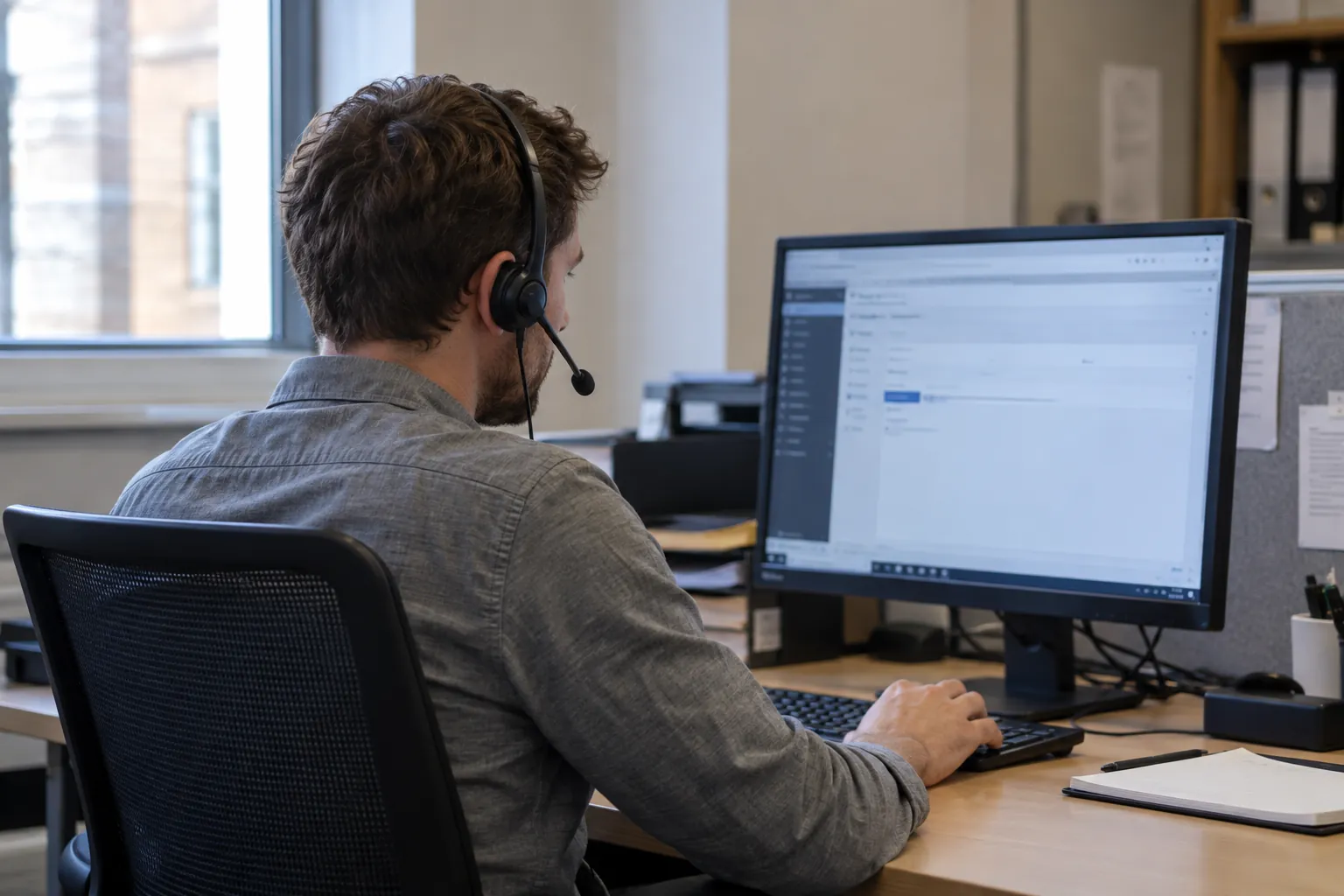
Not sure remote support will work? Ask us firstWhen your computer has a working internet connection, we connect to it using remote-support software. We can then work on computer, software, printer and system problems.
We can check settings and troubleshoot software without an engineer visiting your premises.
Hardware faults, cabling problems or a lost internet connection may need an on-site visit. We agree any visit with you as a separate service.
All times are London time.
This is a design preview. The times are examples, and this page does not reserve appointments or take payments.
We agree on-site visits and other services with you separately.
This is a preview of the payment step. No card details are collected and no money is taken.
No charge has been made, no appointment has been reserved and no confirmation email has been sent.
Your details remain above. Contact Microgate on WhatsApp to arrange your Remote Connection session.
A little preparation helps us understand the problem and start the session promptly.
The computer needs to start and have a working internet connection for remote access.
Tell us which application or device is affected and include any error message.
Explain whether one person or the wider team is affected, and what you need to get working.
We will agree the work, timing and cost with you.
Ask about an on-site visit